
Multiplayer
DELTARUNE Fight multiplayer guide: how 15-player servers work, how a group spreads an attack rotation, platform differences and connection troubleshooting.
Introduction
The multiplayer hub covers how group sessions work in DELTARUNE Fight and why they change the difficulty of a fight rather than just the social experience. Each server supports up to fifteen players, which is enough for a group to spread a single attack rotation across several people instead of one player reading the entire pattern. That redistribution is the real mechanic: on the harder difficulties, where safe gaps are narrow enough that no individual can cover everything, having another player draw part of a pattern buys everyone else a safe window to reposition. Pages here cover how that sharing works in practice, which platforms the game runs on, the control compromises mobile and console play introduce, and how to troubleshoot the connection problems that show up most often in cursor movement. Coverage focuses on what has been verified rather than on specifics the game does not document anywhere.
Multiplayer and Platform Reference
| Setting | Limit | Effect on a Fight | Notes |
|---|---|---|---|
| Server size | 15 players | Rotation can be spread across the group | Enough to cover a hard boss without splitting |
| Solo play | 1 player | Every dodge and input is yours alone | The honest test of a learned fight |
| Mobile | Touch input | Three inputs remapped to touch | Fine for standard tiers |
| Console | Controller input | Same controls, separate build | No cross-build progress split |
Session Systems
15 Per Server
The server cap that makes group clears viable
Rotation Sharing
How a party actually reduces difficulty
Mobile Play
The same game with touch-adapted controls
Console Support
Controller play without a separate version
Connection Issues
Lag shows up as unfair-looking hits
Core Mechanics
Group play in DELTARUNE Fight is a difficulty modifier rather than a separate mode, and the reason is structural. The fight itself does not change when more players join: the same rotation fires, on the same schedule, at the same density. What changes is how that rotation is distributed among the people present. With up to fifteen players in a server, a group can spread out so that each person is responsible for a smaller slice of the pattern, and one player drawing off part of a sequence creates a safe window for the rest. That is the entire mechanism, and it is why group play matters most on the tiers where safe gaps are narrowest. It is also why coordination beats numbers: a group that clusters in one spot gains nothing, while a group that spreads can turn an unmanageable rotation into a sequence of manageable fragments.
Advantages
The multiplayer design solves a real problem, which is that the hardest tiers of this game demand more pattern coverage than one person can comfortably provide. Fifteen-player servers give a group a legitimate way to approach Brutal and Genocide content without the developer having to weaken the fights, and because the underlying rotation is unchanged, the skills learned solo still apply. Playing across platforms is also genuinely practical: the same place runs on mobile, console and desktop, so a group is not split by hardware, and controller input maps well to continuous cursor movement. Perhaps the most useful property is diagnostic. Because a group can carry a player through a sequence they cannot handle alone, group play quickly shows where an individual's routing breaks down, provided they also test solo.
Challenges
Coordination costs are the main drawback. Spreading a rotation requires a group that actually spreads, and a party that clusters makes wide sweeps more dangerous than they would be alone, which is a counterintuitive failure mode that catches new groups regularly. Group play can also mask individual skill gaps indefinitely, so a player who only ever plays with friends may be surprised by how much harder the same fight is solo. Latency is a persistent issue too, because cursor movement is continuous and even small delays register as contact with attacks that looked cleared, which is hard to distinguish from a pattern problem without testing alone. Finally, the game provides very little in the way of session tooling, so organising a specific group for a specific boss is left almost entirely to the community.
Frequently Asked Questions
How many players can join a DELTARUNE Fight server?+
Can I play DELTARUNE Fight on mobile or console?+
Why do I keep getting hit in multiplayer but not when playing alone?+
Quick Tips
Spread out before the rotation starts, not during it. A group that clusters in one safe area gains nothing from the extra players and can make wide sweeps more dangerous than a solo attempt, which is the most common reason a party run goes noticeably worse than expected. Agree on positions before the fight begins, since improvising a split during a dense rotation rarely works out well.
Test a boss solo before assuming the game is being unfair in a session. Continuous cursor movement means small amounts of latency look exactly like bad dodging, and the only way to separate the two is to reproduce the same fight without a group present. If the same dodge succeeds alone and fails in a session, treat the connection as the variable rather than your execution.
Do not let group play replace solo practice entirely. A party can cover a hole in your routing without ever revealing it, and that gap becomes obvious the first time you attempt the same boss without friends along for the run. Alternate between the two so that group sessions stay a way to farm content rather than a way to avoid learning it.
Featured
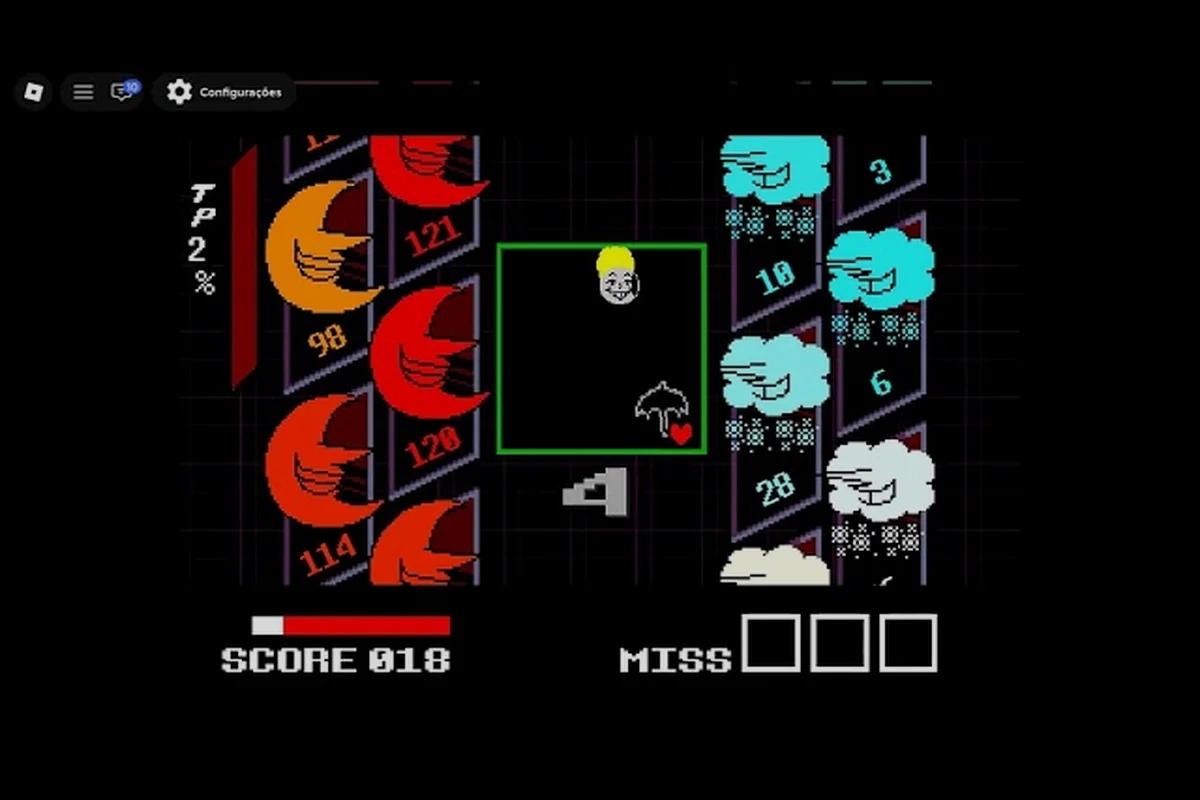
DELTARUNE Fight Lobby: Matchmaking, PvP & Console Play
Navigate the DELTARUNE Fight lobby with matchmaking shortcuts, PvP rules, and controller setup tips for Xbox and PlayStation players jumping into Roblox.
DELTARUNE Fight Mobile: iOS & Android Controls, Chat & Duel Tips
Set up DELTARUNE Fight mobile on iOS or Android with touch controls, in-game chat basics, and 1v1 duel strategies that actually work on a phone.
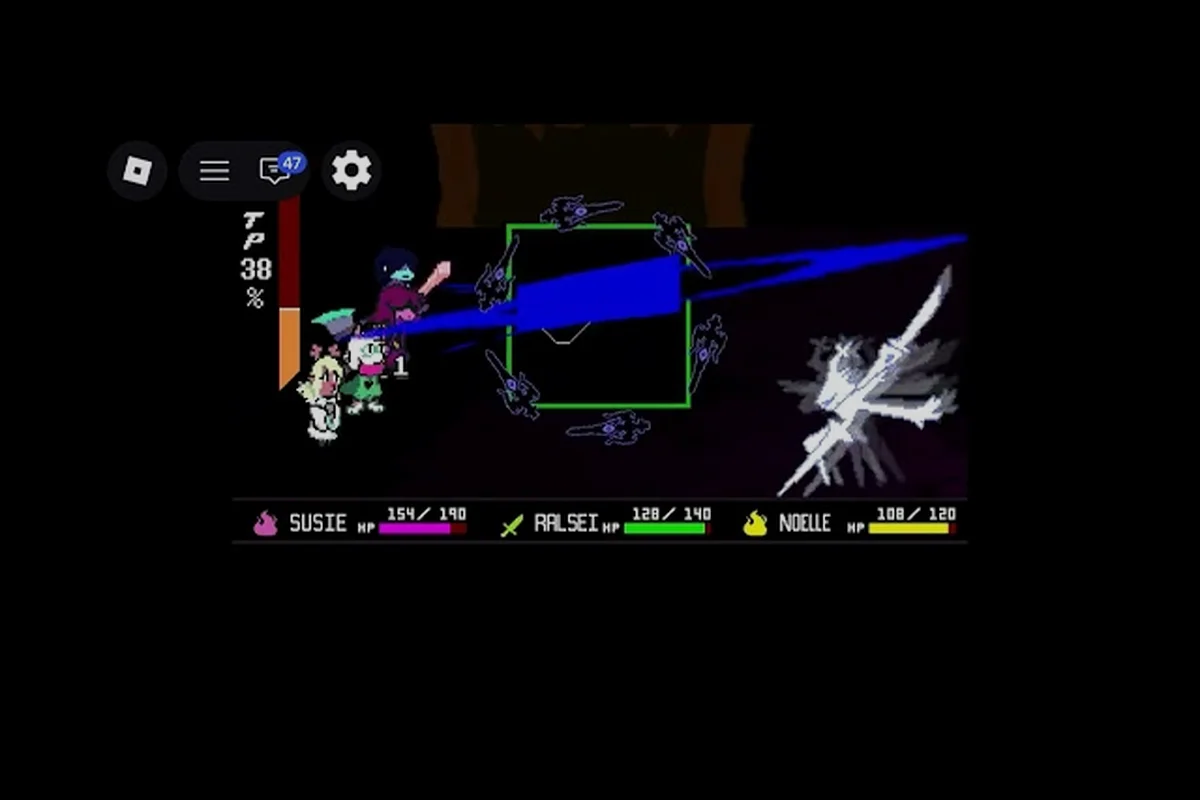
DELTARUNE Fight Multiplayer Bosses: Co-op Scaling & Server Caps
Tackle DELTARUNE Fight multiplayer bosses with co-op scaling explained, server limits laid out, and strategies for clearing 2-player encounters on Roblox.
All Articles
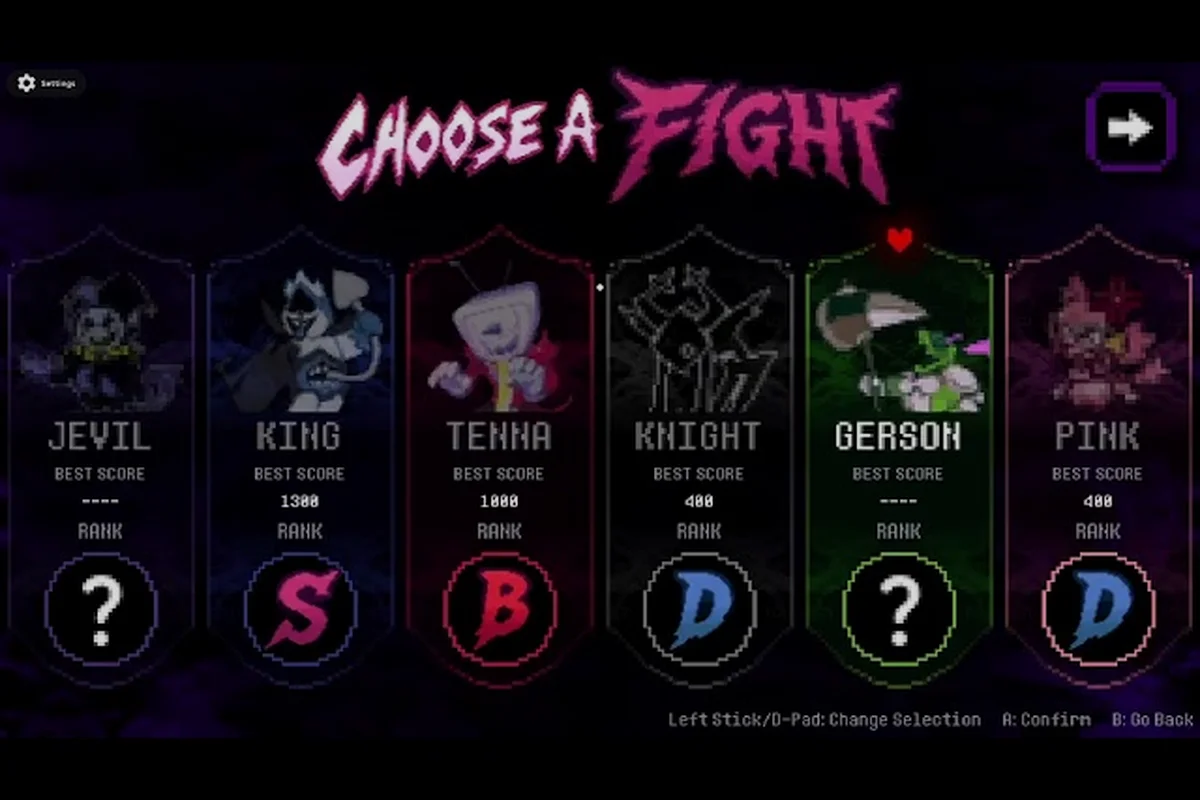
DELTARUNE Fight Multiplayer Rewards: Cross-Play Drops & Bonuses
Unlock DELTARUNE Fight multiplayer rewards with cross-play tips for mobile and console, plus fixes for lag and connection drops during co-op boss runs.
DELTARUNE Fight Party System: Invite, Roles & Server Picks
Master the DELTARUNE Fight party system with invite steps, role assignments, versus rules, and how to pick the best server before queuing into a boss.
DELTARUNE Fight Play With Friends: Party Lobby Pack
Set up co-op the easy way with this deltarune fight play with friends walkthrough — invite steps, party role picks, private server choices, and boss scaling tips.