
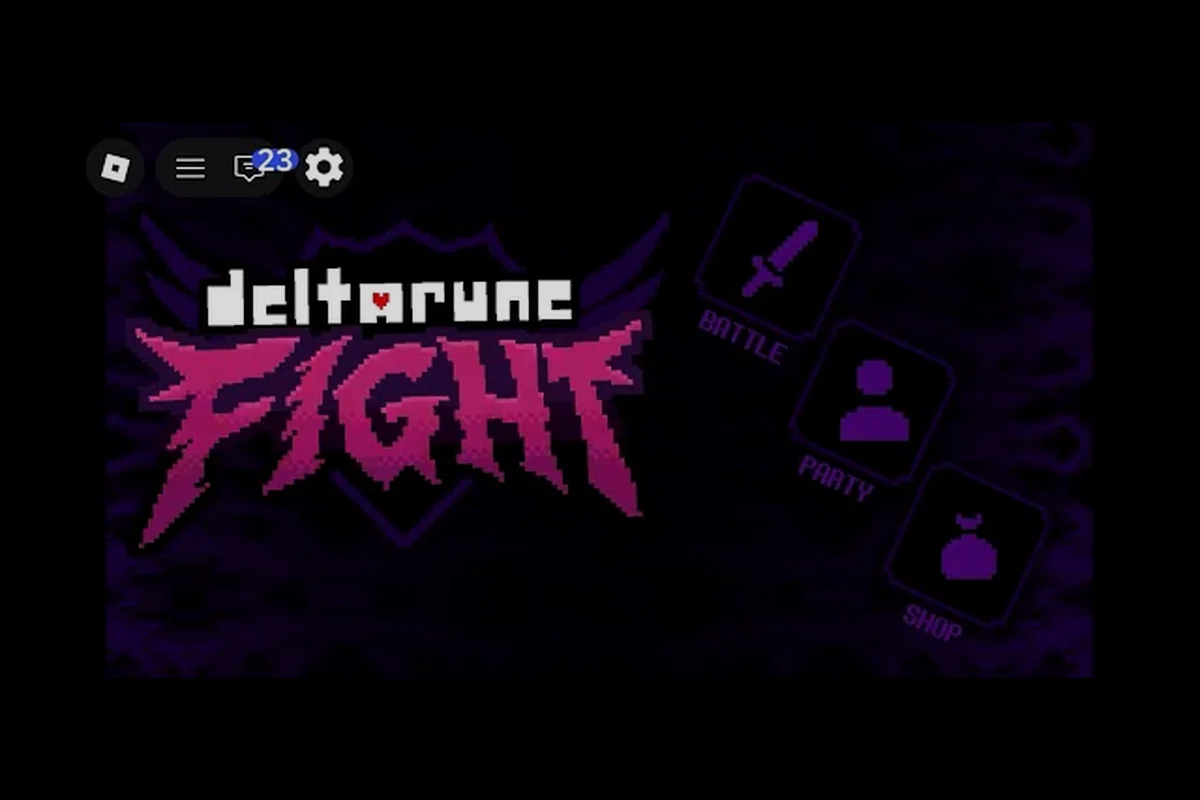
Learning how to play DELTARUNE Fight with friends transforms a solo boss rush into a coordinated team challenge, and the setup is faster than most players expect. This Roblox battleground supports up to 15 players per server, which means you can bring a full squad into the hardest difficulty tiers without splitting into separate lobbies. The core value here is simple: co-op runs let you learn boss patterns together, share TP-heavy attack pressure, and recover from mistakes that would end a solo attempt.
Setting Up a Co-op Session the Right Way
Before you can coordinate Rude Buster timing or split aggro on Kaizo Knight, you need a stable lobby where everyone actually loads in. The official Roblox page shows 2.26M+ visits and a maximum 15 players per server, but that headcount does not guarantee a smooth invite flow. Players report that the most reliable method is to have one person join a fresh server, confirm the boss roster loaded, and then send invites through the Roblox in-game menu rather than relying on external Discord links.
The invite process itself follows standard Roblox conventions, but there are a few DELTARUNE Fight-specific quirks worth knowing. First, the host should wait until the lobby fully renders before sending invites, because early invites sometimes drop during the initial asset load. Second, everyone joining should use the Z to confirm, X to go back, C for the context-dependent action control scheme to navigate menus quickly, especially if the host needs to restart the lobby after a failed join. Third, if a friend appears stuck on the loading screen, having them leave and rejoin through the Roblox friends list usually resolves the issue faster than waiting.
| Setup Step | What to Do | Why It Matters |
|---|---|---|
| Host a fresh server | One player joins alone first | Confirms the boss roster loaded before invites go out |
| Send in-game invites | Use the Roblox invite menu | Avoids expired Discord invite links reported by players |
| Confirm everyone loaded | Check for visible Soul cursor on each player | Prevents starting a fight with a desynced teammate |
| Set difficulty together | Agree on Standard, Brutal, or Genocide | Locks the shared challenge before the first boss pull |
The party size limits are generous enough for most friend groups, but coordination quality drops as the lobby fills. A full 15-player server creates visual clutter during bullet phases, which makes tracking your own Soul harder. Most community reports suggest that groups of three to five players hit the sweet spot between shared damage output and readable boss patterns. If you are running with a larger group, consider splitting into two lobbies and racing through the same boss order, then comparing clear times afterward.
Co-op Scaling and Shared Mechanics
DELTARUNE Fight does not publish official co-op scaling numbers, so any claim about enemy health multipliers would be a fabrication. What players can confirm from community videos is that boss fights remain mechanically identical whether you run solo or with friends, but the pressure distribution changes completely. When one player draws a wide, high-damage swing from King, another player can safely spend TP on Rude Buster without interrupting their own movement. That division of labor is the real co-op advantage, not any hidden stat adjustment.
The Soul mechanic becomes more forgiving in a group because boss aggro shifts between multiple targets. In solo play, every attack pattern targets your cursor directly, which means you must dodge or block every single telegraphed swing. With friends, you get short windows where the boss focuses on someone else, and those windows are exactly when you should spend TP on offensive skills. According to community videos, coordinated teams can skip the final stretch of certain boss attacks by timing Rude Buster pressure correctly, though the exact trigger conditions remain unverified.
| Boss | Solo Pressure Point | Co-op Advantage |
|---|---|---|
| Tenna | Constant screen coverage demands precise dodging | One player can bait attacks while others deal damage |
| King | Wide swings punish greedy TP spending | Aggro splits let you spend TP during safe windows |
| Pink | Fast follow-ups leave little recovery time | Teammates can cover your recovery with their own pressure |
| Kaizo Knight | High-damage patterns require near-perfect reads | Multiple targets dilute the hardest attack sequences |
The confirmed line-up so far includes Tenna, King, Pink, and Kaizo Knight, and each one tests a different co-op habit. King rewards teams that communicate when to back off, because his wide swings can clip multiple players at once if everyone stacks on the same side. Pink punishes passive play, so teams that rotate aggression tend to clear faster. Kaizo Knight is the hardest tier check, and most player reports describe it as a fight where solo mistakes snowball quickly while co-op mistakes are recoverable if at least one teammate stays alive.
Beginner Tips for Your First Co-op Run
If you are still learning the game, the DELTARUNE Fight beginner guide covers the core movement and TP habits you need before jumping into a group. Once you have those basics down, co-op adds a second layer of team-specific skills that most new players overlook. The biggest early mistake is treating a co-op run like a solo run with extra people — you need to actively share space, communicate boss aggro, and avoid overlapping dodge paths.
Here are the deltarune fight beginner tips that matter most for group play:
-
Spread out during bullet phases — stacking on the same side of the arena turns one boss swing into a multi-hit wipe, while spreading gives everyone independent dodge space.
-
Call out your TP usage — if two players spend TP on Rude Buster at the same time, you lose the staggered pressure that makes co-op runs smooth.
-
Assign a dedicated reviver — the player with the best dodge consistency should hang back during high-pressure phases and focus on staying alive so they can recover teammates.
-
Practice on Standard first — jumping straight into Genocide with friends who are also new creates a frustrating first session, so lock in the basics on Standard before climbing.
-
Rotate host if connections fail — some players report that certain hosts have unstable lobbies, so switching who creates the server often fixes repeated disconnects.
The deltarune fight tips and tricks that veteran players emphasize all revolve around communication density. You do not need constant callouts, but you do need to announce when you are low on TP, when a boss switches aggro to you, and when you are about to use a high-commitment attack. Those three callouts cover most co-op failures, and they take almost no practice to integrate.
Improving Your Co-op Performance Over Time
Once you can clear Standard with friends consistently, the path to Brutal and Genocide is less about raw skill and more about tightening your team habits. The question of how to improve in DELTARUNE Fight co-op comes down to three areas: boss pattern recognition, TP economy coordination, and recovery discipline. Each area compounds, which means a small improvement in one makes the other two easier to execute.
| Improvement Area | What to Practice | Sign You Are Ready for the Next Tier |
|---|---|---|
| Pattern recognition | Run each boss solo to learn tells | You can dodge King swings without watching your own cursor |
| TP economy | Coordinate Rude Buster timing | Your team never wastes TP on overlapping attacks |
| Recovery discipline | Practice reviving under pressure | You can pick up a teammate during Pink follow-ups |
| Aggro management | Learn to bait and switch | You can intentionally draw boss focus to create openings |
The party system guide goes deeper into invite mechanics and server selection, but the core improvement loop is the same regardless of how you form your group. Run each boss solo until you can read its tells without panic, then bring that knowledge into co-op and focus on team-level coordination. Players who skip the solo practice often become the teammate who dies first in every fight, which forces the rest of the group to play more conservatively.
Deltarune fight how to improve is ultimately a question of deliberate practice rather than grinding attempts. A team that wipes on Kaizo Knight ten times without changing anything will keep wiping, while a team that identifies one specific failure point after each attempt will climb steadily. After every wipe, take thirty seconds to name the exact moment the run fell apart — was it overlapping dodge paths, wasted TP, or a failed revive? That single habit produces faster improvement than any mechanical drill.
Best Settings for Smooth Co-op Sessions
The deltarune fight best settings conversation usually starts with graphics and camera options, but for co-op specifically, the most impactful choices are the ones that reduce visual clutter and input delay. Roblox games do not expose the same granular settings menus as standalone titles, so your optimization options are limited to what the platform provides. Still, a few adjustments make group fights noticeably more readable.
| Setting | Recommended Choice | Co-op Benefit |
|---|---|---|
| Camera distance | Zoom out as far as comfortable | Keeps multiple boss targets and teammate positions visible |
| Graphics quality | Lower if frames drop during bullet phases | Prevents desync when many projectiles are on screen |
| Control scheme | Memorize Z / X / C before co-op | Faster menu navigation when restarting after wipes |
| Audio cues | Keep sound on for boss tells | Lets you react to attacks even when your Soul is off-screen |
| Display mode | Fullscreen if available | Reduces input lag during high-pressure dodges |
The Z to confirm, X to go back, C for the context-dependent action control scheme is the only officially documented input layout, and internalizing it before your first co-op session removes a surprising amount of friction. Players who fumble through menus while their friends wait in the lobby create a worse first impression than any skill gap. Spend five minutes in a solo server just navigating menus and restarting fights until the inputs feel automatic.
Connection stability matters more than any graphics setting for co-op. If you or a teammate experiences frequent rubber-banding during bullet phases, lowering graphics quality often helps more than changing any other option. The game launched on August 11, 2026, and as of the September 2026 build, community reports describe occasional desync in full 15-player lobbies. Running with a smaller group or having the player with the strongest connection host the server are the two most reliable fixes.
Frequently Asked Questions
How many friends can play DELTARUNE Fight together?
The official Roblox page confirms a maximum 15 players per server, which means you can bring up to fourteen friends into a single lobby. However, most player reports suggest that three to five players provide the best balance between shared damage and readable boss patterns, since full lobbies create visual clutter during bullet phases.
Do bosses get harder when you play co-op?
There are no official co-op scaling numbers published for DELTARUNE Fight, so any specific health multiplier would be unverified. What players can confirm from community videos is that boss mechanics stay the same, but aggro splits between multiple targets, which creates safe windows for TP spending that do not exist in solo play.
What is the best difficulty to start co-op with?
Standard is the right starting point for a new co-op group, because it lets everyone learn boss tells and team habits without the punishment of Brutal or Genocide. Once your team can clear Standard consistently without overlapping dodge paths or wasting TP, you are ready to climb.
Why does my friend get stuck on the loading screen?
Players report that early invites sometimes drop during the initial asset load, especially if the host sends them before the lobby fully renders. Having the stuck player leave and rejoin through the Roblox friends list usually resolves the issue, and switching hosts often fixes repeated disconnects.
Can I play DELTARUNE Fight with friends on different platforms?
The game runs on Roblox, which supports desktop, mobile, and console with cross-platform play on the same servers. As long as everyone joins through the same Roblox invite flow and the host has a stable connection, platform differences do not block co-op sessions.
Coordinated co-op runs turn DELTARUNE Fight from a punishing solo gauntlet into a readable team challenge where shared aggro, staggered Rude Buster pressure, and reliable revives carry you through Kaizo Knight. The setup is fast, the party size is generous, and the improvement loop rewards teams that name their failure points after each wipe. Lock in your settings, practice the Z / X / C inputs, and start on Standard before climbing into the harder tiers.